The Studio Course
Ship one finished 55-second episode — written, voiced, animated, scored, captioned and ready to post — with your own characters.
Nine modules, each ending with something finished, and an example project with neutral example characters (Kettle and Rohan) instead of our cast. Chai-break-sized lessons, then you build.
Is this for you?
Who it's for
- Developers comfortable running a script from a terminal
- Technical creators who'd rather script than drag keyframes
- Indie devs starting a side channel
- Small studios that want a repeatable way to make episodes
Not for
- Anyone after a one-click, no-code template
- Anyone looking for a hands-off channel that runs itself
- Anyone who wants our characters (they're not included)
- Anyone without a Mac with Apple Silicon
What you'll make, module by module
Each module is a step-by-step guide with screenshots. Every module ends with something finished. Six modules (1, 3, 4, 5, 7, 8) also name the tool that does the same job faster (Episode Builder is in Course + Toolbox).
01Story & script
Module 1: Story & script
Lessons
- Where the turn comes from (Light Mode as a case study)
- Pitching ideas, and judging which one to make
- The three-second hook and the callback
- Festival calendar and cultural guardrails
You leave with
A judged, two-act 55-second script for your own characters.
Matching tool
02Characters you own
Module 2: Characters you own
Lessons
- A silhouette that reads at 110 px
- Voice brief and palette
- Why not to borrow a mascot or a trademark
- A recurring world: a room with a window
You leave with
A character sheet and a world brief, shown on a neutral example character.
03Voices
Module 3: Voices
Lessons
- The whole scene first, then line by line
- Getting Hindi and English pronunciation right
- Checking every take against the script
- Final lines with word timings and a mouth envelope
04Sound & music
Module 4: Sound & music
Lessons
- Sound effects you make yourself
- A quiet score to picture, with sounds you can use commercially
- Dialogue on top, and a master that won't be turned down
05Screens
Module 5: Screens
Lessons
- A screen that looks the same on every rebuild
- Terminal, chat and permission-style cards (never copies of real apps)
- Transparent clips you can drop over any shot
06Scenes in 3D
Module 6: Scenes in 3D
Lessons
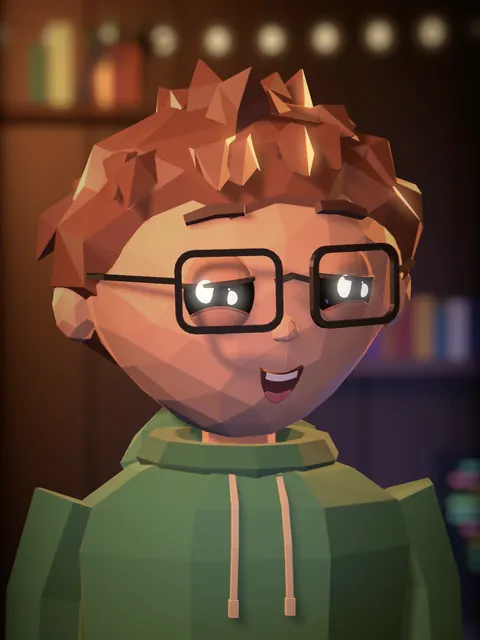
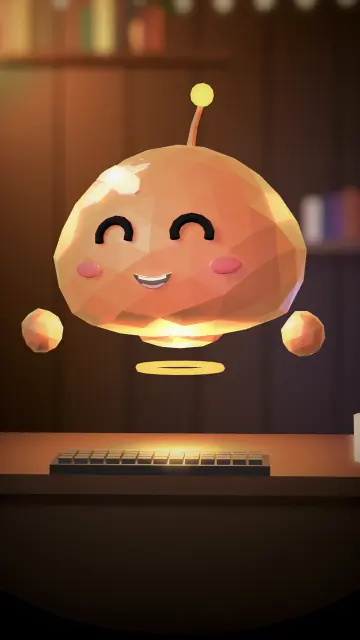
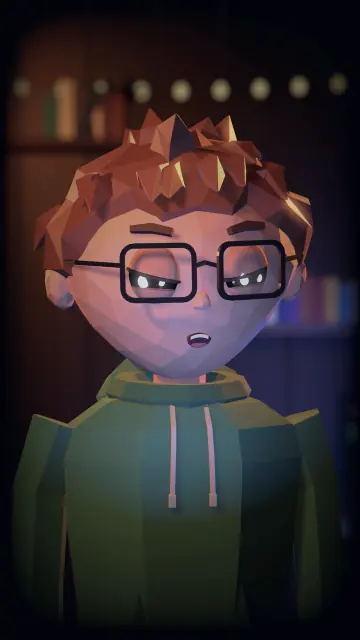
- Low-poly characters and expressions
- Mood lighting and firelight
- Lip sync and blinks
- Building your own 3D character renderer, step by step
You leave with
Rendered shots of your own character, from a renderer you built and own.
07Edit & assemble
Module 7: Edit & assemble
Lessons
- Keeping the story and the timing in two simple files
- Cues that stay in sync when you re-edit a line
- Reusing every shot that didn't change
- Rebuilding the whole episode in one step
You leave with
An episode project you can change and rebuild in minutes.
Matching tool
Episode Builder (beta, Course + Toolbox only)
08Captions, checks & export
Module 8: Captions, checks & export
Lessons
- Captions inside the safe zones
- Contact sheets and a final check before you post
- Vertical exports for every short-video platform
09Posting & growth
Module 9: Posting & growth
Lessons
- Cross-posting, and the labels each platform asks for
- A weekly routine, with you approving every step
- Planning episodes around the festival calendar
- Logging the time each episode really takes
You leave with
A posted episode and a release routine you can keep up.
Every demo uses the neutral example characters, Kettle and Rohan, so nothing you learn depends on our cast.
What you need
A Mac with Apple Silicon. Everything else is free — no paid subscriptions needed.
Not sure? Ask us before you buy.
What you get
- Step-by-step guides with screenshots, downloadable to keep
- Access for as long as we sell the course, and at least [to fill: minimum years of access] years; at least 12 months of updates
- The Writers' Room Kit
- An example project to rebuild end to end
- Email support (2-business-day target)
- Our own characters and 3D renderer stay ours: Module 6 shows you how to build your own.
Course questions
How long will it take me?
Plan a few weekends for your first episode: read a module, then build along with it.
What format is the course?
Step-by-step written guides with screenshots, as PDFs you download and keep: one per module, plus the full course book, the example project and every template. Search them, copy from them and work at your own pace.
Do I need to buy anything else?
No. What you need: A Mac with Apple Silicon. Everything else is free — no paid subscriptions needed.
Do I need the Toolbox too?
No. The course teaches every piece. The Toolbox saves you from building them yourself.
Will the course be updated?
Yes: v1.x updates for at least 12 months.
What if it isn't for me?
Please check before you buy: all sales are final, and there are no refunds for change of mind, because the course is an instant digital download that can't be returned. The module list and What you need above show exactly what you get, and you can ask us anything first. If something's broken or not as described and we can't fix it, we refund it. See the refund policy.
Do I get your 3D renderer or characters?
No. Both contain our characters. Module 6 teaches the techniques, and the example project shows them on a neutral character, so you can build your own renderer.